Request Your Custom Quote
Tell us what you need. Our team normally replies within one business day.
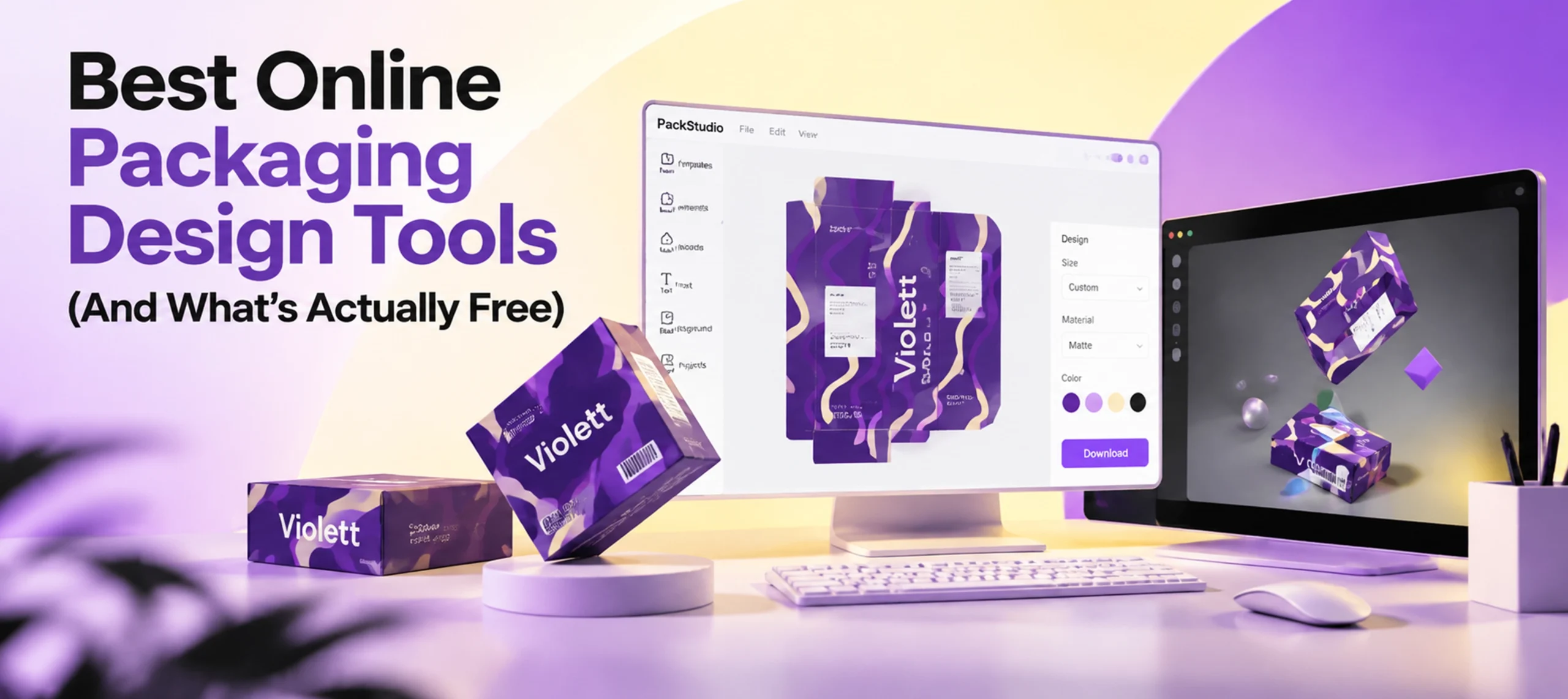
Best Online Packaging Design Tools (And What’s Actually Free)
 By
By Looking at packaging design tools online usually starts with the word “free.” That word does a lot of work. It does not always mean the same thing twice. Here is what three real tools, Pacdora, Kittl and Boxshot, actually include on their free or entry tiers. Each claim is checked against the tool’s own pricing page, not a roundup’s summary.
What Pacdora’s Free Plan Actually Includes
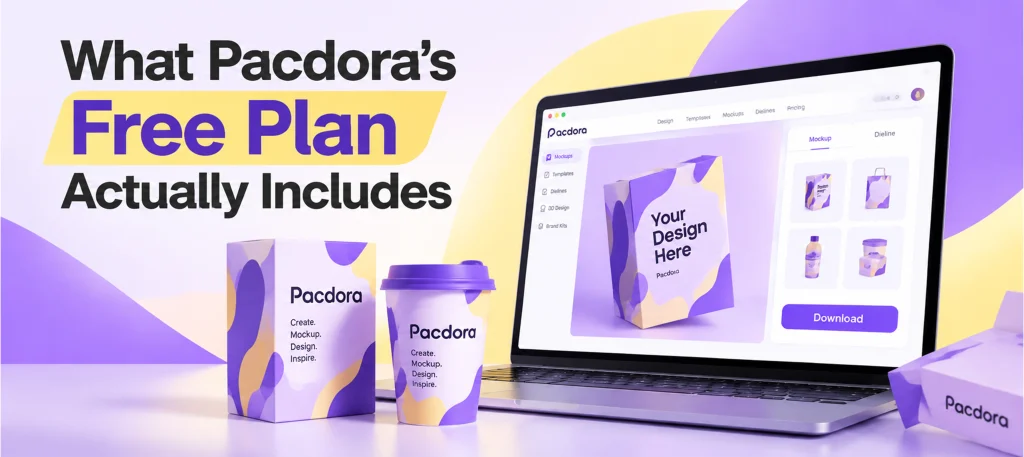
Pacdora is a genuinely large platform. It has thousands of mockups and dieline templates across box, bottle, pouch and can categories. The free plan gives unlimited projects and full access to that library. That part is real and worth using. But the free plan also carries a watermark on every export. It is licensed for personal use only, with no commercial use rights. Render speed on the free tier is slower than the paid tiers too. The fast, high resolution rendering some reviews highlight, up to 4K, only unlocks on the Pro plan. 8K is Business tier only. A reader who needs a watermark free, commercially licensed export needs a paid plan, not the free one.
Why We’re Not Publishing a Specific Price
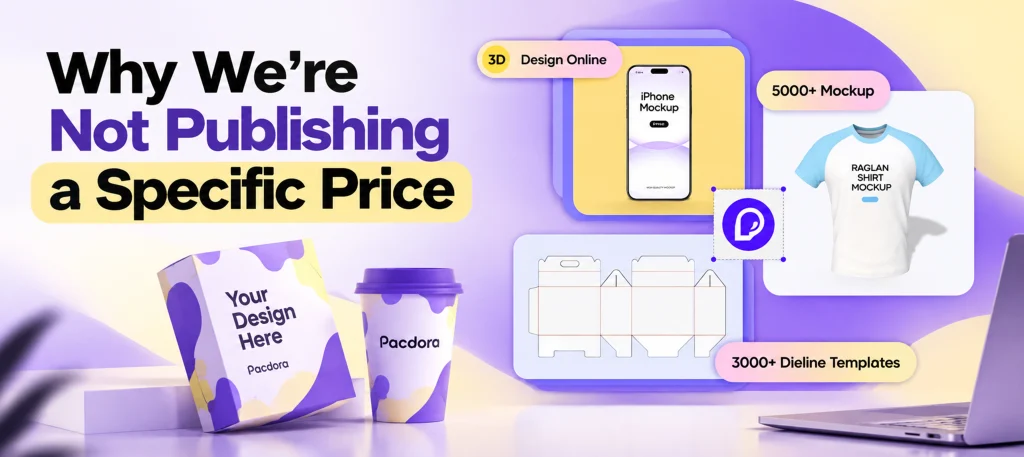
Two different roundups list two different monthly prices for Pacdora’s paid tier. Pacdora’s own pricing page did not show a dollar figure when checked directly. Rather than repeat either secondary number, or guess at one, none is published here. Check the current figure on Pacdora’s own site before budgeting around it.
Kittl Does Mockups, Not Dielines
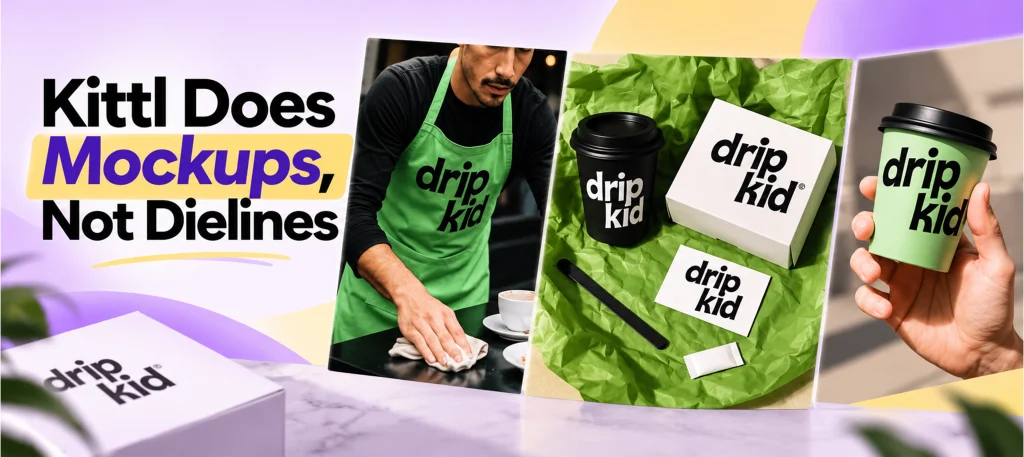
Kittl is a genuinely free, watermark free mockup tool. It exports at 3000×3000 pixels on its free plan, with an attribution requirement for commercial use that a paid plan removes. It is often listed next to Pacdora as a comparable option. It is not fully comparable. Kittl generates product mockups, not the structural dieline a die cutter or press actually needs. A brand that only needs a marketing image can stop at Kittl. A brand that needs a print ready cut and fold file still needs a dieline tool.
Boxshot, for Print Ready Precision
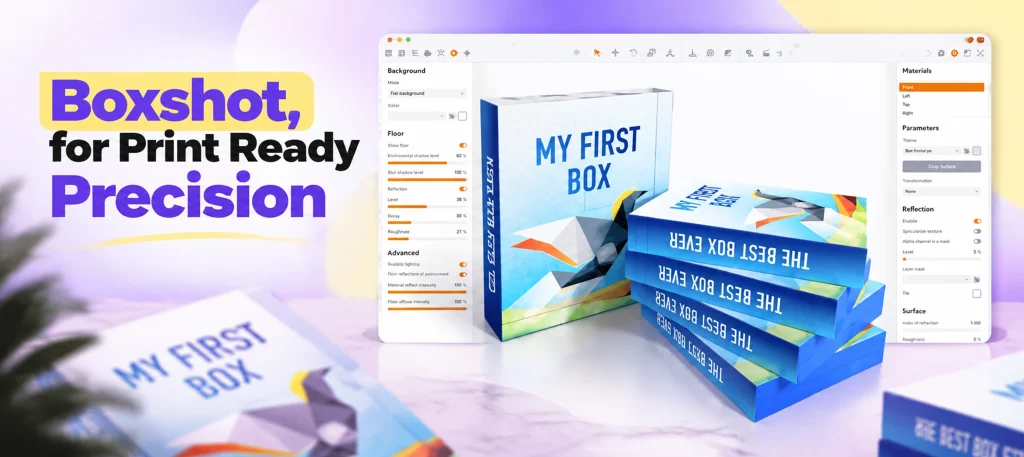
Boxshot is built differently. It offers native support for Photoshop and Illustrator files, real CMYK color mode, spot color and color profile support, and interactive 3D exports. It is aimed at studios that already work in professional design software and want production accurate rendering layered on top. Its own product page does not disclose pricing, so none is stated here.
After the Design, the Order
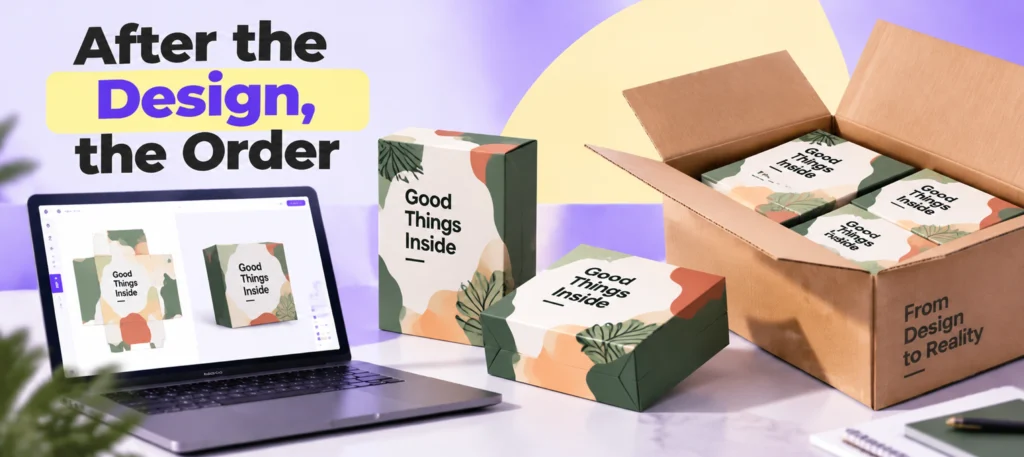
A dieline or a polished 3D mockup gets a design ready to show. It does not manufacture the box. Once a design is finalized, Custom Boxes Deals offers free design support as part of getting a quote. The handoff between a design tool and an actual production run does not have to be its own separate cost. If the design stage is still a hand drawn or paper prototype rather than a finished file, that is a different step. In short: a prototype and a production ready dieline are not interchangeable.
Frequently Asked Questions

Is Pacdora actually free?
Partly. The free plan gives full library access and unlimited projects, but exports carry a watermark, are personal use only, and do not include 4K or 8K rendering. Those unlock on paid tiers.
Does Kittl generate dielines?
No. Kittl generates product mockups, a marketing image of a finished design. A structural dieline, the cut and fold file a manufacturer actually uses, is a different kind of file that Kittl does not produce.
Is Boxshot free?
Its own product page does not list pricing. It is built for studios already working in professional design software rather than as a quick free tool.
Do I need a paid packaging design tool to order custom boxes?
No. A free mockup or dieline tool is enough to test and present a design. The manufacturer handles converting that into a true production file, and free design support is available at the quote stage.
What’s the difference between a mockup and a dieline?
A mockup is a rendered image showing how a finished design looks. A dieline is the flat, technical cut and fold file a manufacturer or die cutter works from. A tool that only makes mockups, like Kittl, does not replace a dieline tool.

Anthony Kim
Hello, I'm Anthony Kim, a seasoned packaging consultant and designer. With a professional journey spanning over four years, I've evolved from a budding designer to a recognized expert in the field. Currently holding the position of Packaging Consultant, I've honed my skills in creating not just visually stunning packaging but also solutions that align with strategic business goals.
View all articles →