
Request Your Custom Quote
Tell us what you need. Our team normally replies within one business day.
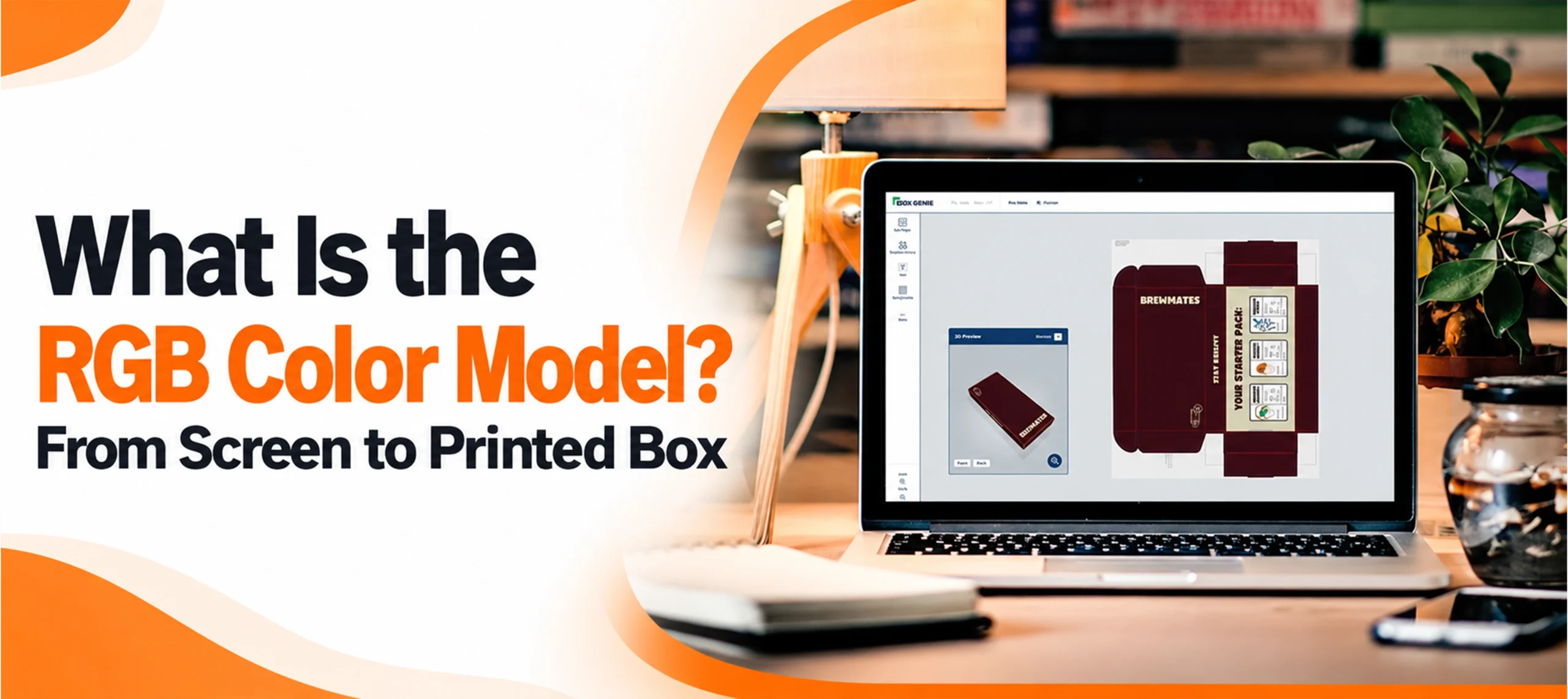
What Is the RGB Color Model? From Screen to Printed Box
 By
By What is the RGB color model? It is how screens describe color: as amounts of red, green and blue light mixed together. In a design file with 8 bits per channel, each of the three channels runs from 0 to 255, so a color is written as three numbers, such as 246, 20, 50 for a bright red. That works on a monitor. But the numbers only pin down one exact color once the file says which RGB color space they belong to, and a printed box is made with ink, not light. So the red you picked for your candle boxes on screen is a starting point, not yet a print color.
How to Read an RGB Number
Adobe’s Photoshop help sets out the usual scale. In a file with 8 bits per channel, each channel runs from 0 (no light) to 255 (full light).
- 0, 0, 0 is black. No light at all.
- 255, 255, 255 is white. All three at full strength.
- Equal values give a gray. 128, 128, 128 is one shade of it.
- Two channels at full strength give the secondary colors. Red and green make yellow, green and blue make cyan, and blue and red make magenta, as the RGB color model entry on Wikipedia explains.
Three channels of 8 bits each make 24 bits, which Adobe says can show up to 16.7 million colors. Files with 16 or 32 bits per channel can hold more.
A hex code is the same three numbers written in base 16. The W3C’s CSS Color standard gives the example that #00ff00 is the same color as rgb(0 255 0), a lime green. Each pair of digits runs from 00 to ff, which is 255.
Why the Same Numbers Look Different on Two Screens
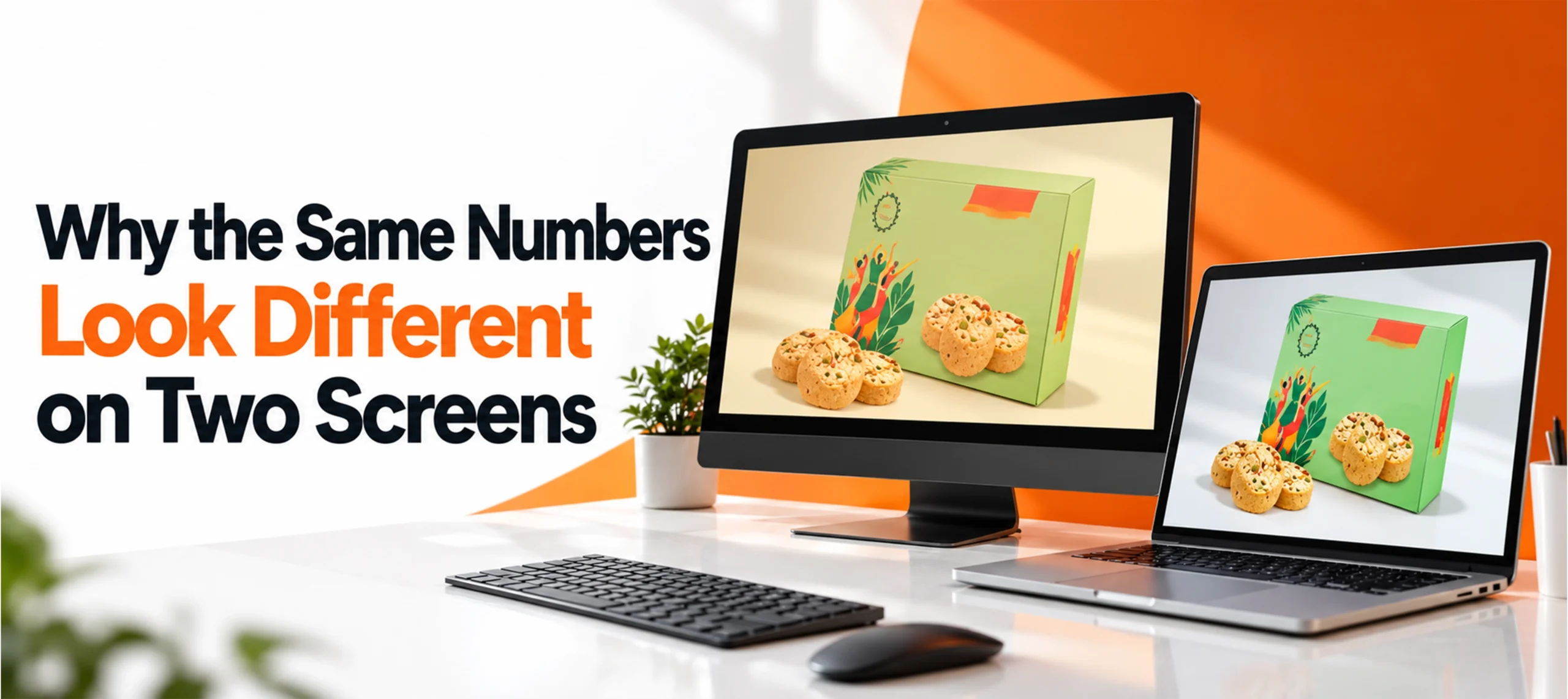
An RGB number is an instruction to a screen, and screens differ. Adobe puts it plainly: RGB is a standard model, but “the exact range of colors represented can vary, depending on the application or display device.” Wikipedia adds that the model on its own does not define which red, green and blue it means. A color space does, by fixing those three primaries. The common ones are:
- sRGB. Proposed by Hewlett Packard and Microsoft in 1996 as a standard default for the internet, according to the W3C’s archived proposal, and later made an international standard by the International Electrotechnical Commission. The W3C makes it the default color space for CSS, the code that styles web pages.
- Adobe RGB (1998). A wider space. The International Color Consortium, the body behind color profiles, names it for extended gamut displays and as a working space for photographs.
- Display P3. Described by the W3C as a wide gamut space typical of current wide gamut monitors.
The space can travel with the file as an embedded profile. The ICC’s color management FAQ warns that giving a camera’s RGB values a different profile changes how they are read, “often quite significantly.” So the same numbers on a phone, a laptop and a printer’s screen can show three different reds.
What Happens When RGB Artwork Goes to Print
A box is printed with ink, and some colors a screen can show fall outside what the ink can produce. The W3C calls such a color out of gamut for that device. Our guide “What Is CMYK Printing?” explains why ink falls short on bright screen colors.
Converting the file is where those colors change. Adobe’s help on converting color modes is blunt: “Converting color modes permanently changes color values.” Colors outside the CMYK range are remapped, and “some details may not be recoverable.” The ICC calls the rules for that remapping rendering intents.
Adobe’s advice for images follows from this:
- Do most editing in the original RGB mode.
- Save a layered backup before converting.
- Preview the result with Proof Colors, which simulates the conversion without changing the image.
- Convert at the end.
Adobe also notes that CMYK’s range varies with the press and printing conditions, so a screen preview is only a guide.
One more trap. A home printout from an RGB file can look fine. The ICC explains that many printers only have an RGB interface and do their own conversion to CMYK inside. A good home print tells you little about how the file will print on a packaging press.
How to Check Your File’s Color Mode
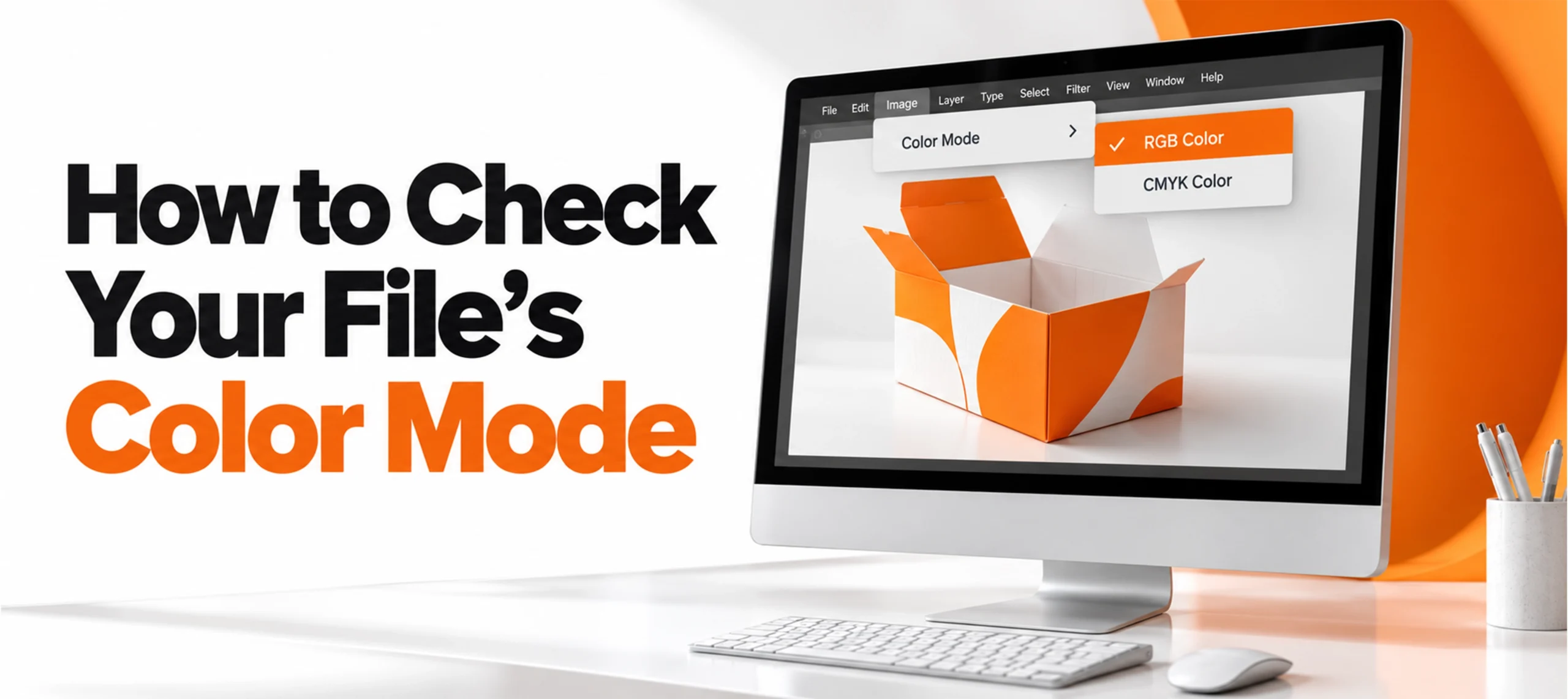
- Photoshop. Open Image > Mode to see the color modes and switch between them.
- Illustrator. Adobe’s help on color separations says to choose File > Document Color Mode > CMYK Color if a document is in RGB.
- Other design apps. Check the app’s help pages for its color mode or color profile setting before you export.
What to Send With Box Artwork
- Your layered master file, kept as it is, so nothing is lost if colors need adjusting.
- The embedded color profile, so the printer is not guessing which RGB you meant.
- Pantone numbers for the brand colors that matter most. Our guide “What Is PMS Color?” explains how those numbers work.
- The dieline. Our guide to what a dieline is covers how artwork sits on the flat box shape.
Printing at Custom Boxes Deals is CMYK, Pantone or PMS, or unprinted, and design support is free. Share your file with us and we will say how its colors are likely to reproduce on the board you choose, whether that is for a small retail carton or display boxes. You also get a free 3D mockup before production approval.
Frequently Asked Questions
Is RGB or CMYK better for packaging?
RGB is for screens and CMYK is for printing with process inks. A box is printed with ink, so RGB artwork is converted before printing, and it pays to check that conversion on a proof.
What does RGB 255, 255, 255 mean?
All three channels at full strength, which is white. 0, 0, 0 is black.
What is the difference between RGB and sRGB?
RGB is the model: three channels of red, green and blue. sRGB is one specific color space built on that model, and the default color space for CSS on the web.
Should box artwork be in sRGB or Adobe RGB?
Ask your printer which profile it wants. sRGB is the smaller space. The ICC notes that a printer can sometimes reach colors, such as clean, solid primaries, that a smaller RGB space cannot describe, and suggests a larger space such as Adobe RGB in that case.
Will my printed box match my screen exactly?
Do not expect an exact match. A screen gives off light and a box reflects it, and CMYK’s range depends on the press and printing conditions. Judge critical colors on a physical proof on the real stock where you can.

Anthony Kim
Hello, I'm Anthony Kim, a seasoned packaging consultant and designer. With a professional journey spanning over four years, I've evolved from a budding designer to a recognized expert in the field. Currently holding the position of Packaging Consultant, I've honed my skills in creating not just visually stunning packaging but also solutions that align with strategic business goals.
View all articles →